
Table of Contents
Steps to Edit the Profile: #
- Log in to the application.
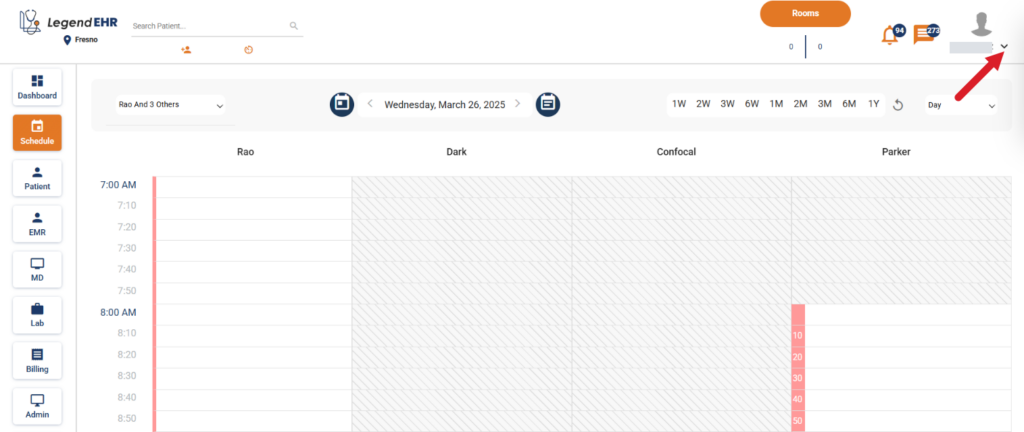
- Click on the user profile drop-down icon.
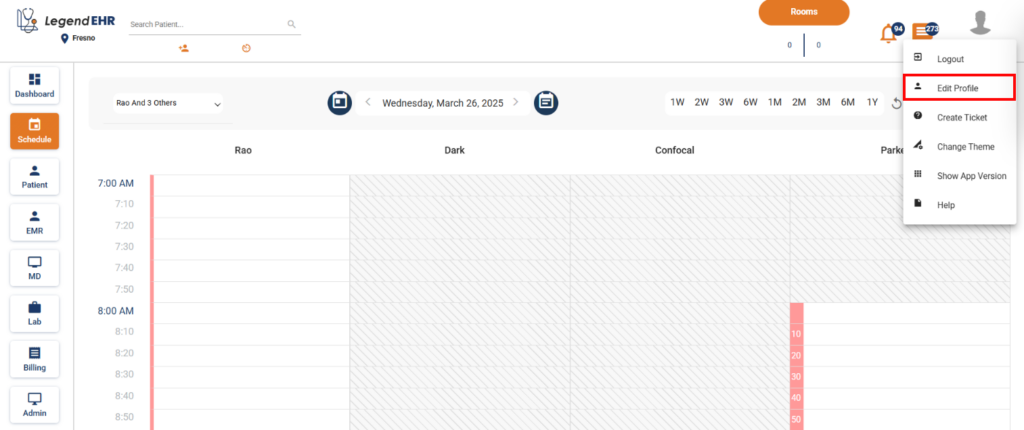
- Select Edit Profile from the menu.
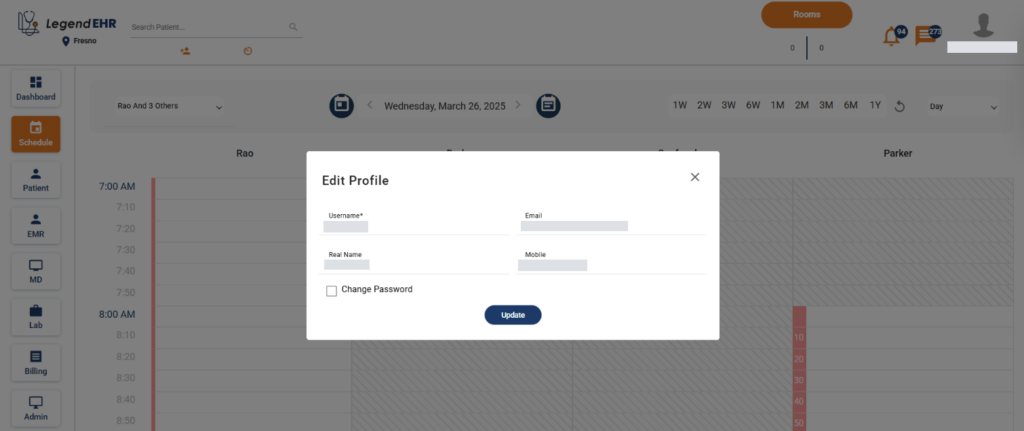
- The Edit Profile pop-up will appear.
- Modify the necessary details as required.
- Click the Update button.
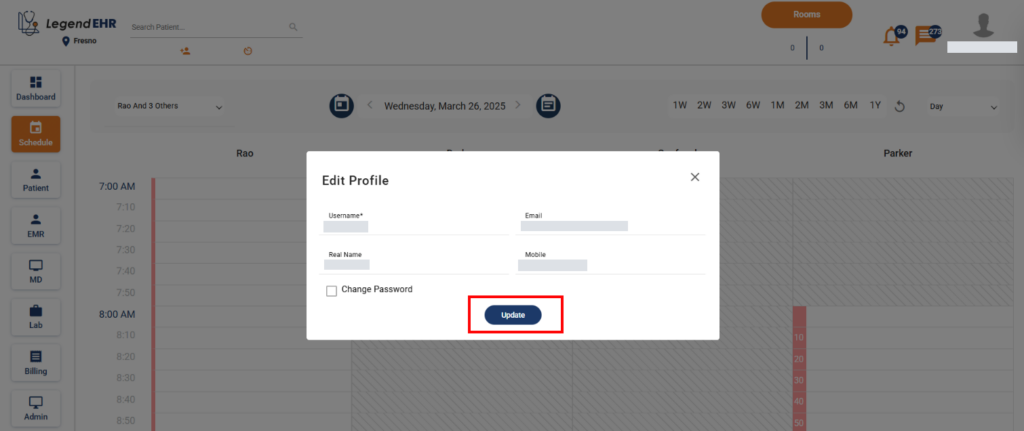
- The changes will be saved successfully.


