Table of Contents
Add a Referring physician #
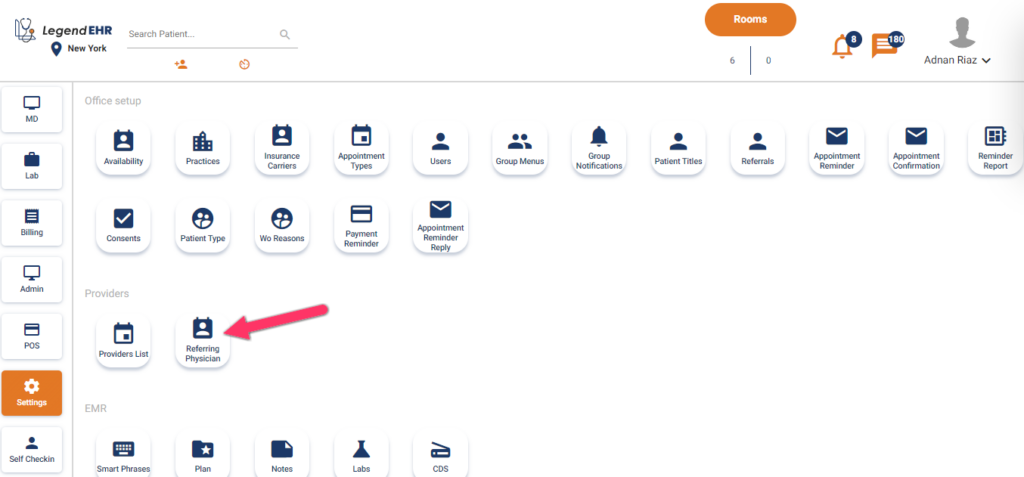
- Go to settings.
- Click on referring physician.
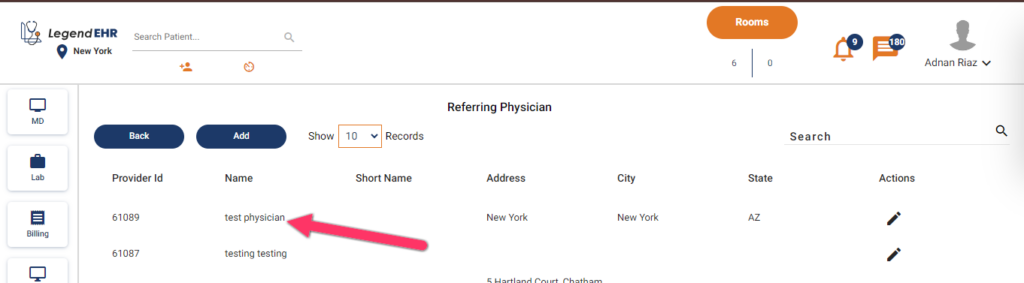
- Referring physician records will be opened.
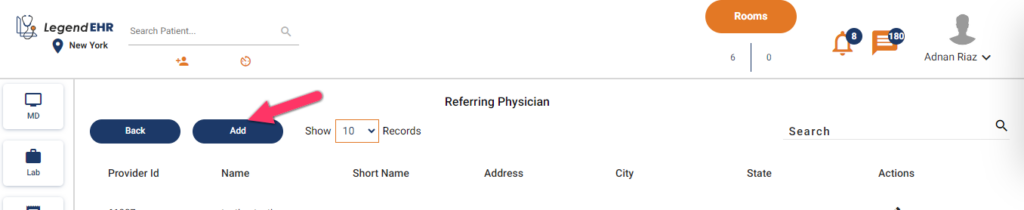
- Click on the Add button to add a new referring physician.
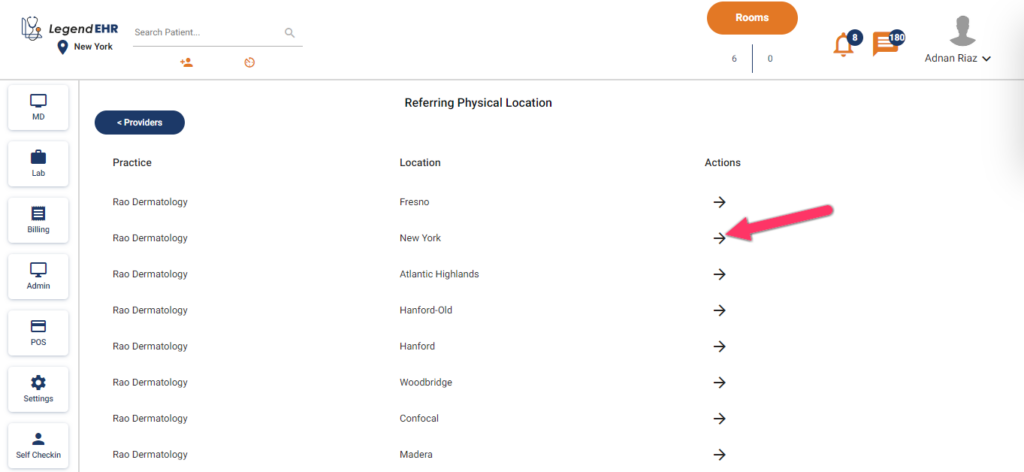
- Referring physical locations will be opened.
- Click on the arrow under the action of the desired location.
- The following form will appear.
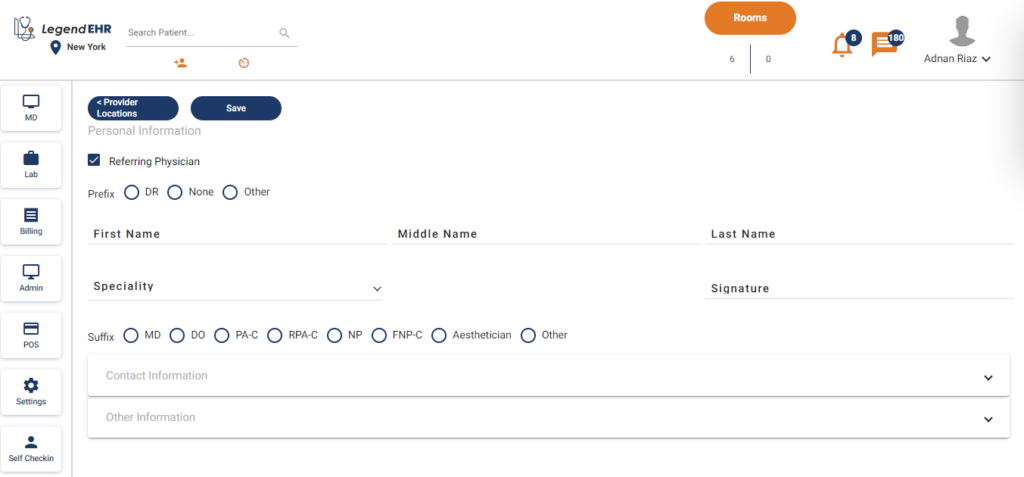
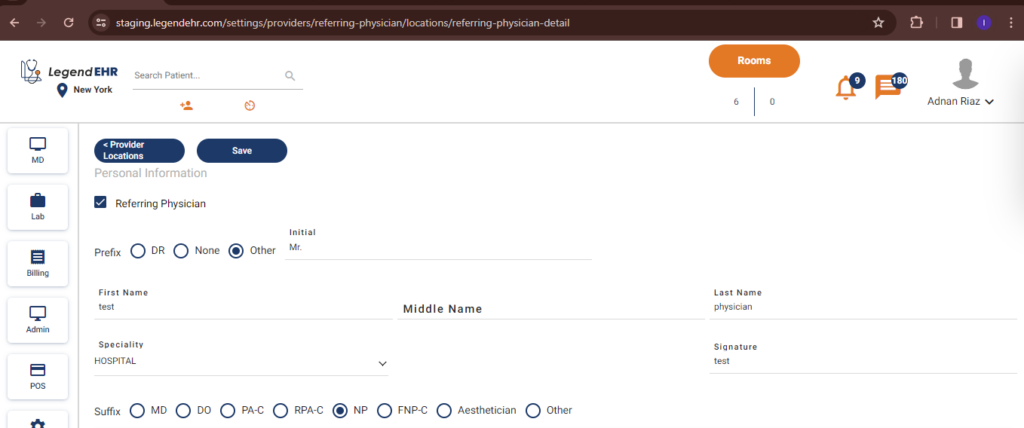
- Add the prefix.
- Fill in the details of names, specialty, and signatures.
- Add the suffix.
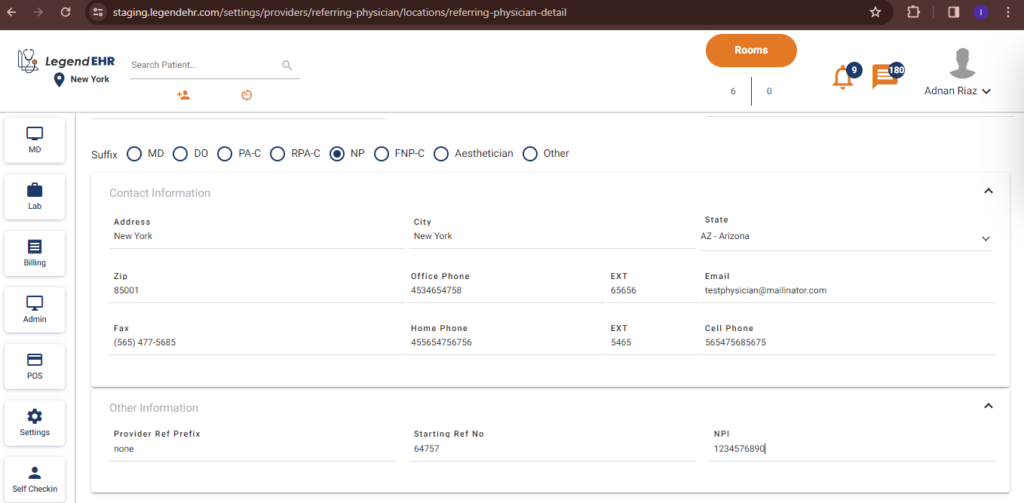
- Add contact information.
- Add other information.
- Click on the save button.

- The referring physician is added successfully.